Service
UI/UX Design
Thoughtful interfaces shaped to feel simple, elegant, and easy for users to understand instantly.
Key Differences: UI vs. UX
- UX (User Experience): Focuses on the "feeling" of the interaction and the user's journey. It involves user research, personas, information architecture, and testing to ensure the product is easy to use and solves a problem.
- UI (User Interface): Focuses on the "look and feel." It includes designing screens, interactive elements (buttons, toggles), typography, and color palettes to create a visually appealing interface.
- Relationship: UX is the structural, logical, and research-driven foundation; UI is the artistic, final presentation.
Core UI/UX Design Process
- User Research: Understanding target user behaviors, needs, and pain points.
- Information Architecture & Wireframing: Creating the app's structure and layout (skeletons) without visual design elements.
- Prototyping: Building interactive models of the product to simulate the final user experience.
- Visual Design: Applying colors, typography, and images to make the interface aesthetically pleasing (UI).
- Usability Testing: Observing real users interacting with the prototype to gather feedback and iterate.
What Client Gets
- Cleaner screen layout
- Easy user journey
- Better visual clarity
- Mobile-ready design
- Stronger brand feel
Clear Visual Systems
Balanced typography, spacing, and structure that makes every screen easier to read.
User-Centered Flow
Layouts and journeys designed to reduce friction and improve confidence at each step.
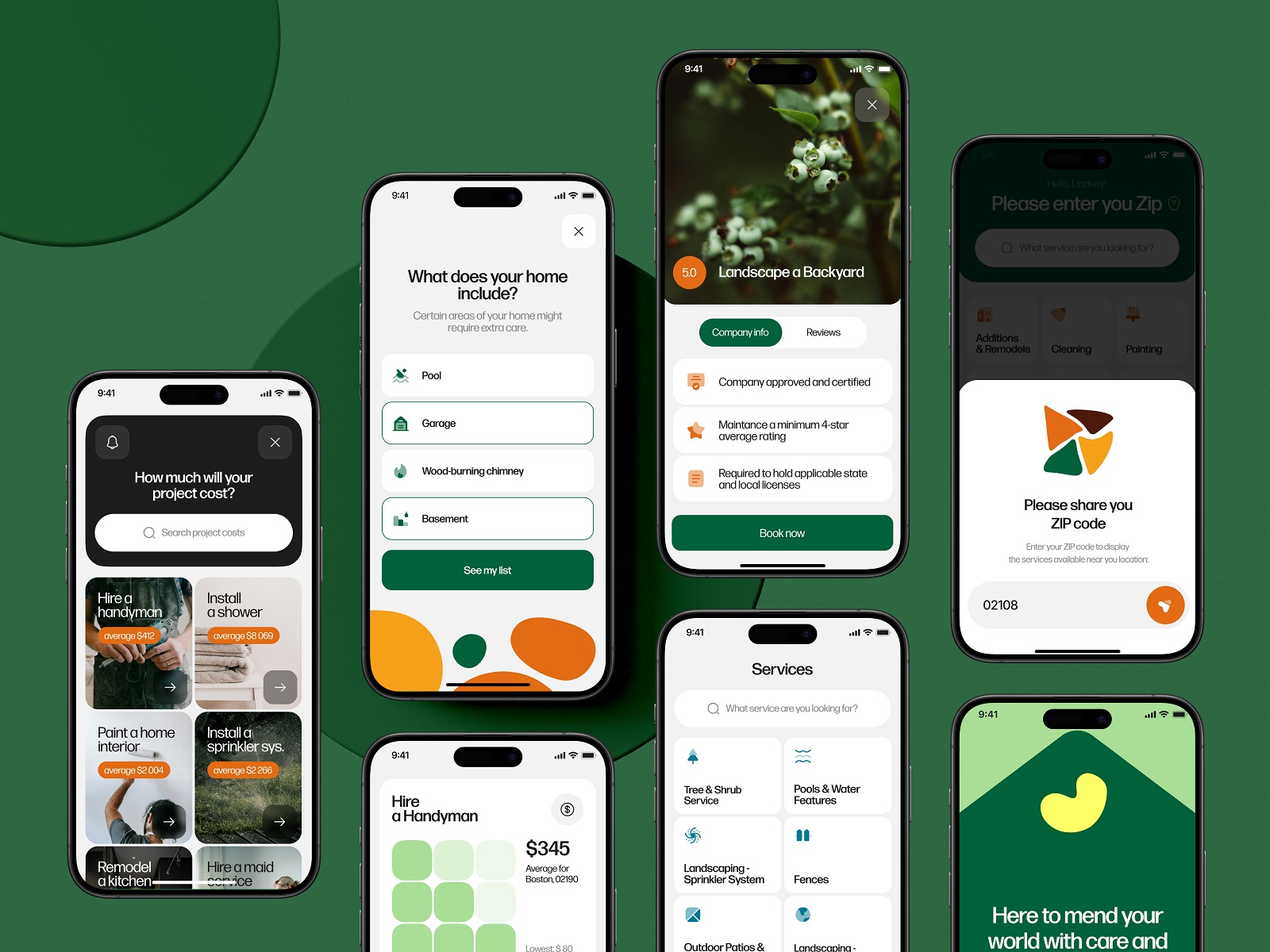
Design Preview